Blackbaud AI for Blackbaud Merchant Services (BBMS)

Generative AI chat capabilities used in the Blackbaud Merchant Services Web Portal to get answers fast.

Generative AI capability

Expanding the scope and power of Blackbaud AI

Blackbaud AI chat interface

Blackbaud AI chat for BBMS

The Problem

Slicing and dicing with lists and filters

BBMS is used to process an enormous amount of nonprofit payments each year. The BBMS web portal is used to view and manage these transactions but getting what you need can be complex. Countless filters and column views can be confusing especially for new users of the system.

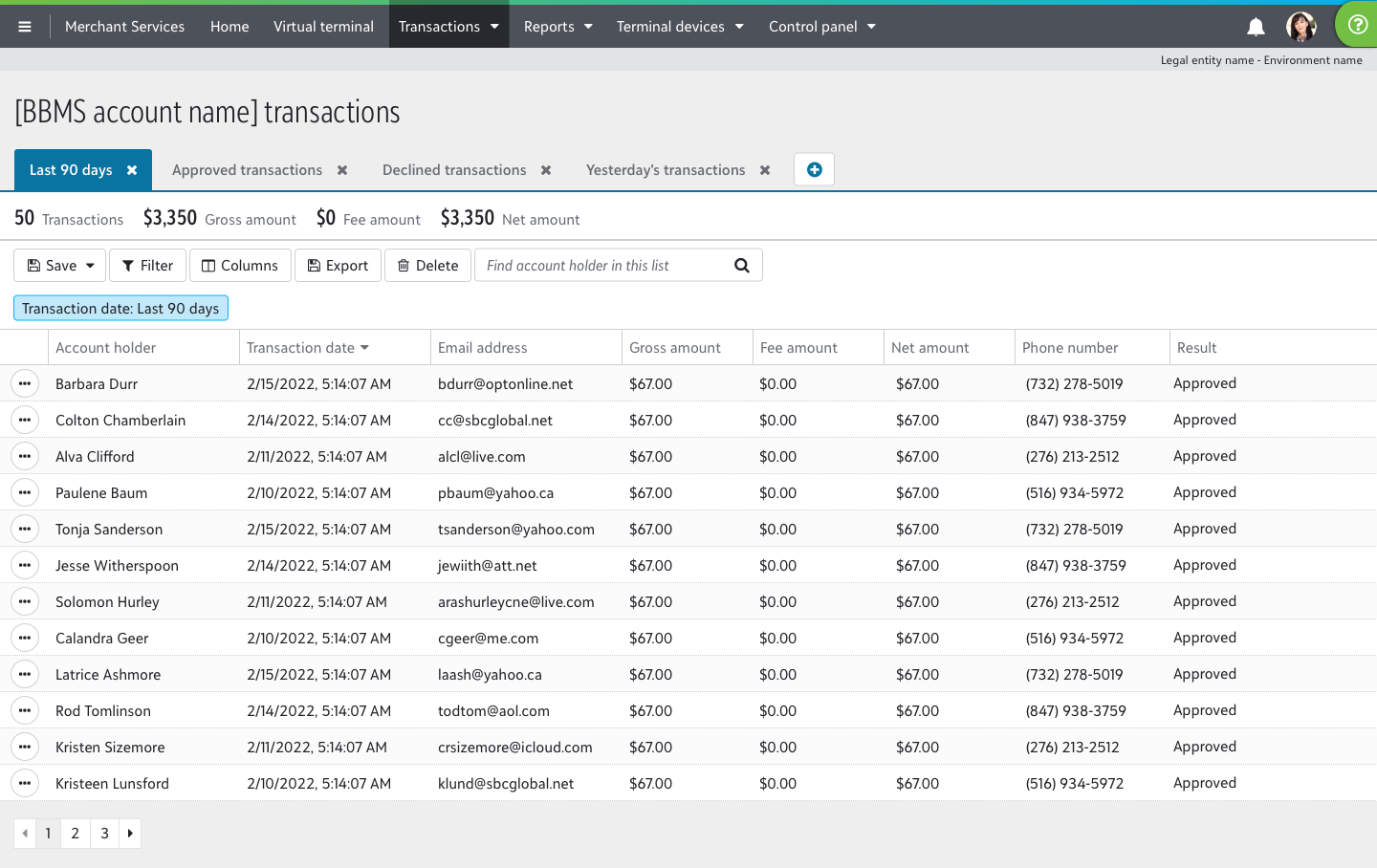
Digital dashboard showing a transactions list for a BBMS account, with columns for account holder, transaction date, email address, gross amount, fee amount, net amount, phone number, and result. The table lists 12 approved transactions, each with $67 gross and net amounts, $0 fee, and various dates and emails. Summary above shows 50 transactions, $3,350 gross and net amounts, and $0 fees. Menu bar at top includes options for Merchant Services, Home, Virtual terminal, Transactions, Reports, Terminal devices, and Control panel.

An example of a transaction list in BBMS

RESEARCH

Creating lists with conversation

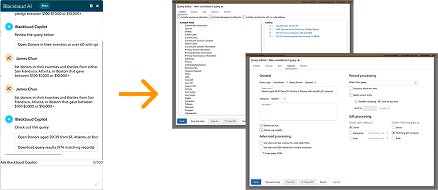
With the power of generative AI, we had a chance to find a better way. One of our engineers experimented with creating customized transaction lists from a quick chat. There was potential to find exactly the transactions you wanted without needing a DBA.

I crafted a prototype and gathered feedback from customers about the workflow. Unsurprisingly, we learned that this capability was most useful for new users. But, the problem was that they had trouble finding out where they needed to go.

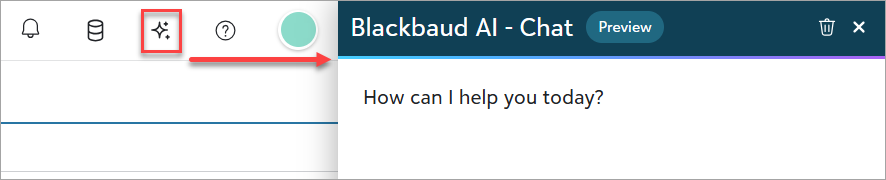
User interface showing a chat window labeled 'Blackbaud AI - Chat' with a message saying 'How can I help you today?' The chat window is preview mode with a close button and a trash icon. Left of the chat window is a toolbar with icons including a bell, database, sparkles, question mark, and a green circle.

Blackbaud AI chat button from the header

Iterating

Designing for discovery

A key design principle for SKY UX is "Deliver what users need where they are. Don't make them go on an expedition." Based on the feedback we received, we knew that we could improve. The "sparkle" icon may be fine for experienced users since they already had saved lists but new users need to start from scratch.

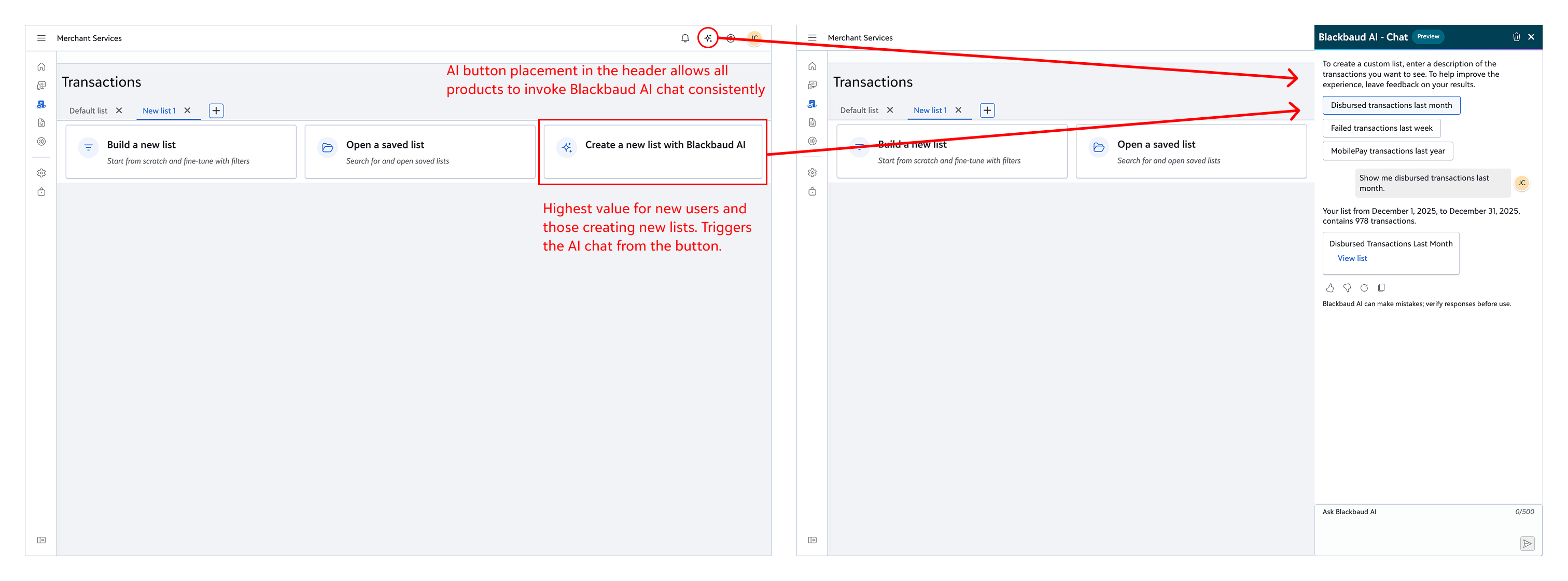
They see a page with large buttons to get started and this was a prime location to trigger Blackbaud AI chat. I collaborated with the design team to introduce a pattern to trigger Blackbaud AI from a large "action button" component on the empty state page for transaction lists.

This change ensured customers could leverage the power of Blackbaud AI right when they need it the most.
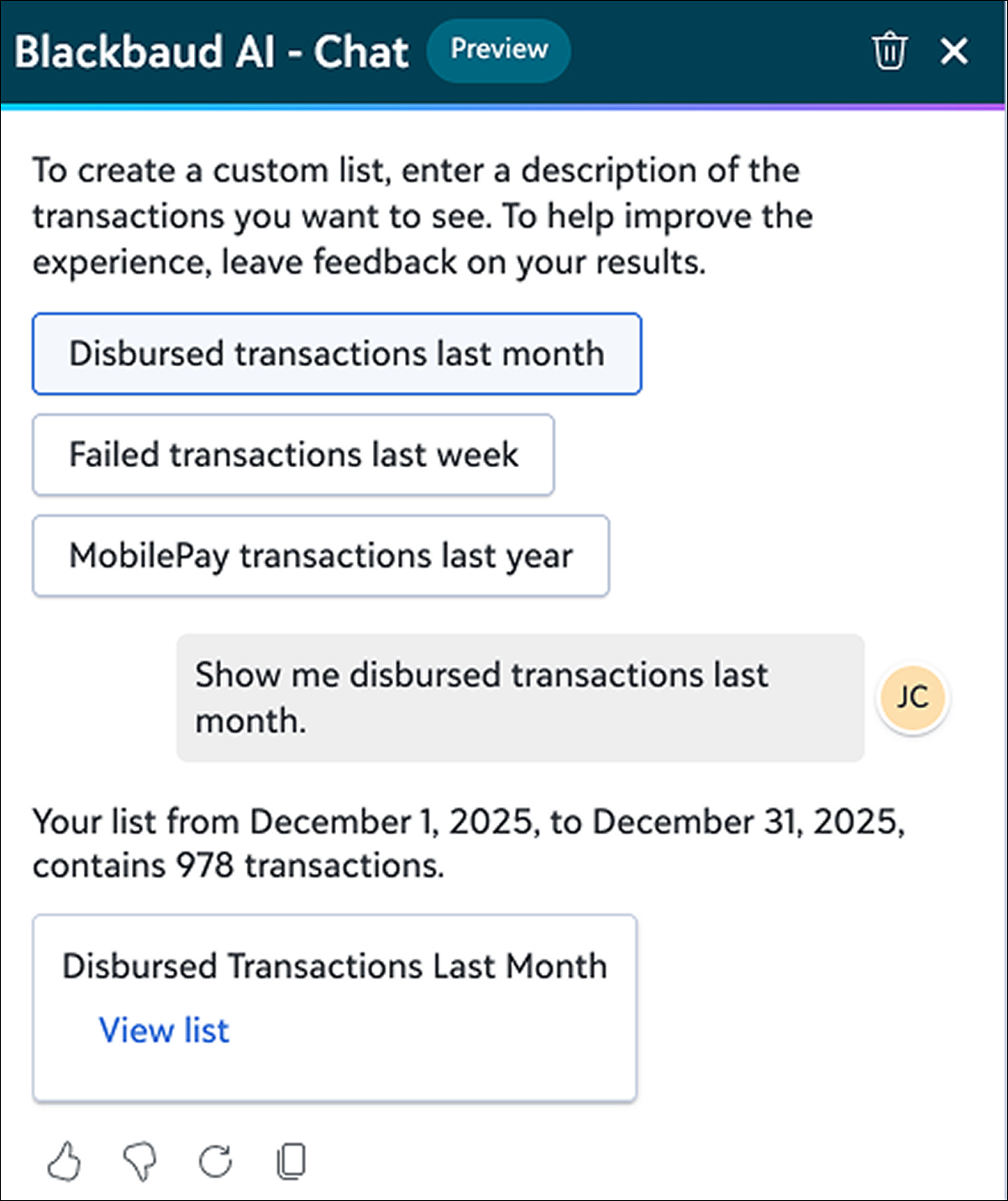
Blackbaud AI chat integration showing strategic placement of AI trigger in BBMS portal navigation — positioned for highest-value user touchpoints

Making AI chat visible and valuable